How to prepare your laptop for cleaning
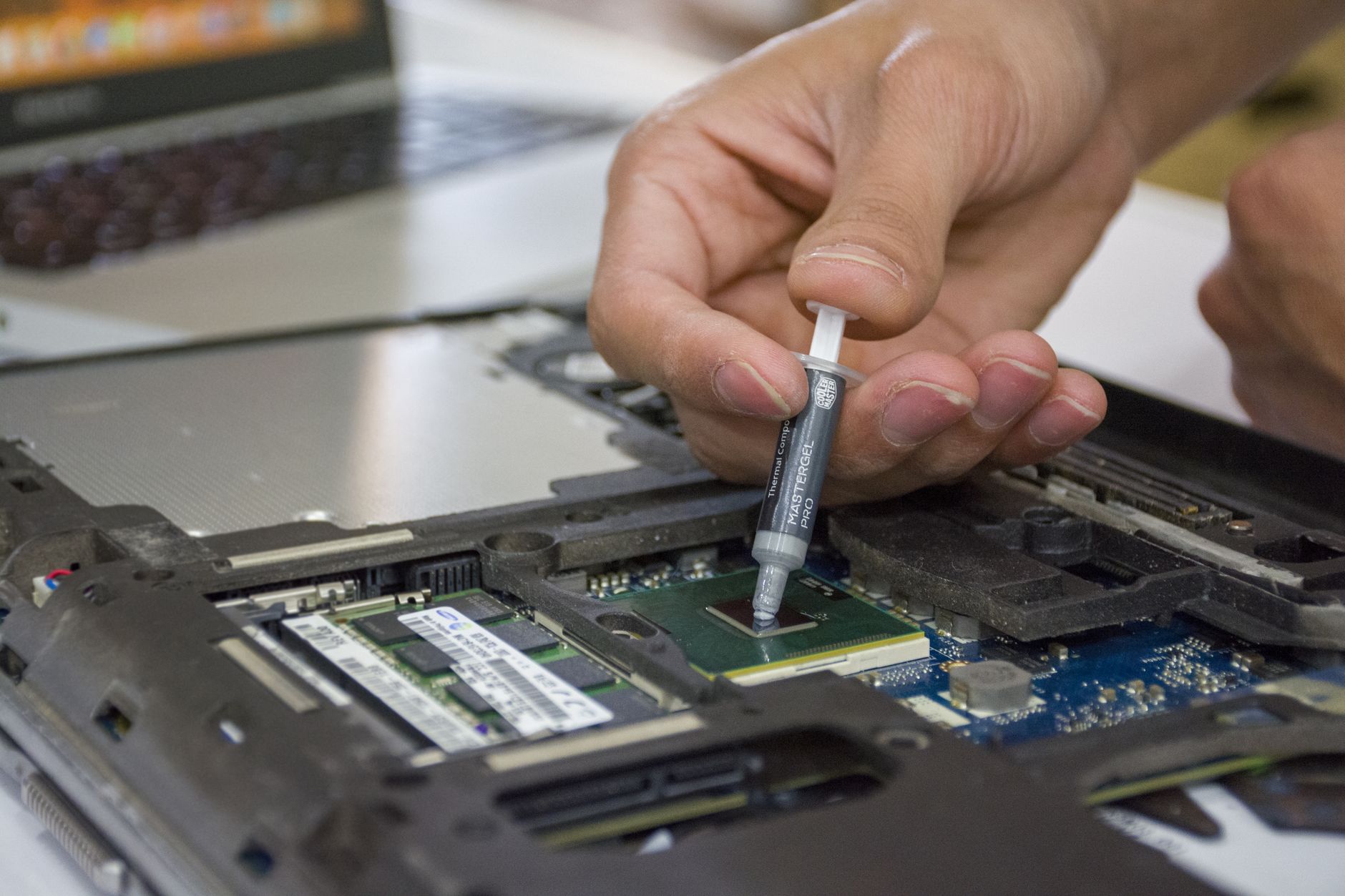
Regular cleaning helps a laptop run more quietly, more reliably, and for longer. Before visiting the service centre, prepare your device with a few simple steps.
Save important files
Copy work documents, photos, and other important data to an external drive or reliable cloud storage. Access to files is usually not needed for cleaning, but a backup is always worthwhile.
Bring the charger
The original power adapter helps the technician test the laptop after servicing. If the problem is related to charging, be sure to mention it when handing in the device.
Describe the symptoms
Think back to when the laptop started overheating, making noise, or shutting down. This helps the technician assess the cooling system and recommend the next steps.
Do not open the laptop yourself
Screws, delicate cables, and old thermal paste can make the job more difficult. It is safer to bring the device to a technician for diagnostics and cleaning with thermal paste replacement.
You can book diagnostics online to avoid waiting in line. If you leave the device for repair, diagnostics are free.
Questions about anything you read here?
Contact us