← All news
What to do if your laptop overheats
Laptop overheating can cause slow performance, fan noise, and sudden shutdowns. Do not ignore these symptoms: they signal that the cooling system needs attention.
Check the working surface
Do not use the laptop on a blanket or soft surface that blocks the vents. Place it on a firm, level surface and make sure air can circulate freely.
When cleaning is needed
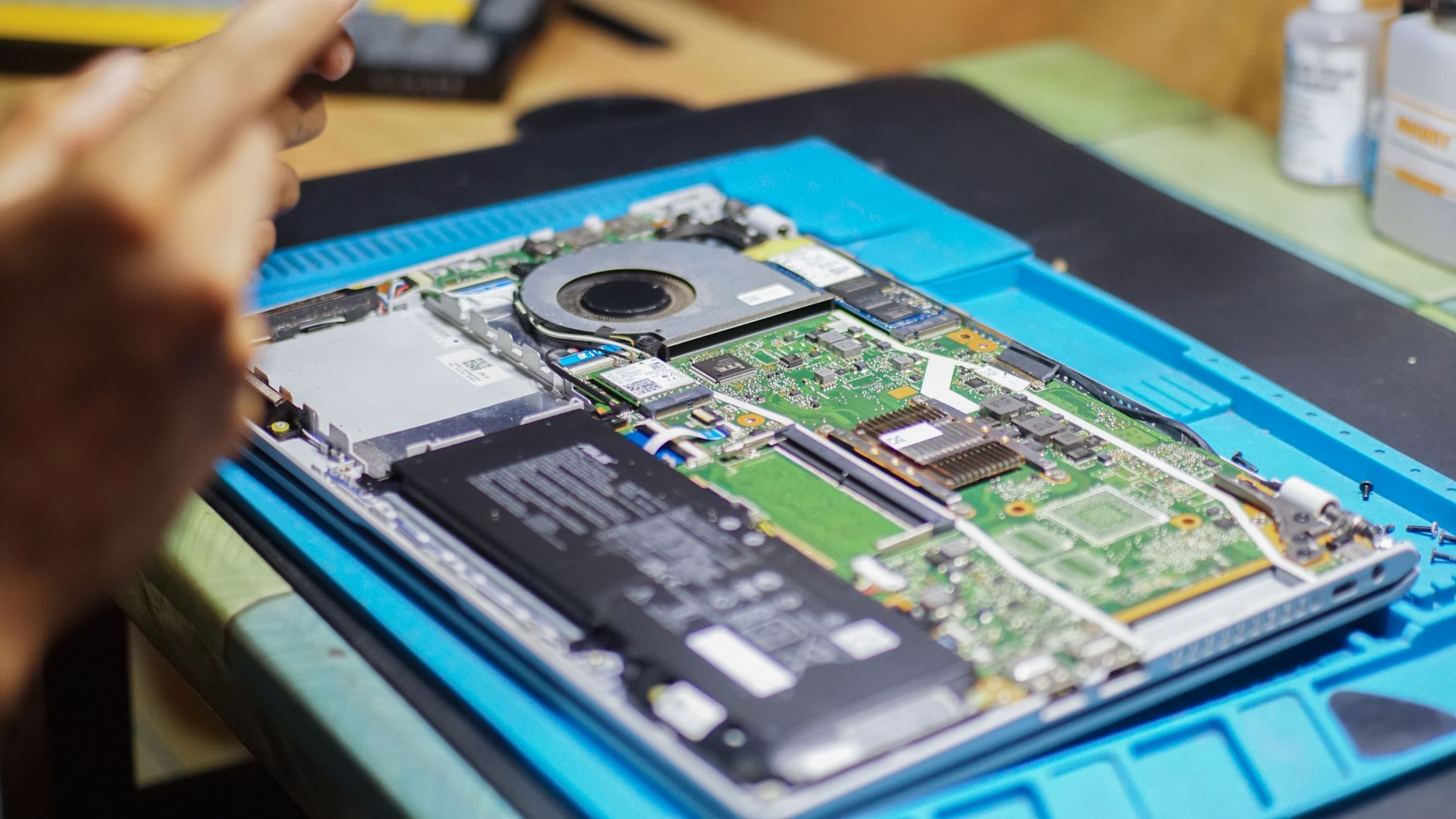
If the laptop has not been serviced for a long time, dust inside may obstruct cooling. In that case, contact a technician for diagnostics, cleaning, and thermal paste replacement.
Questions about anything you read here?
Contact us